Train Sim is heading to Steam. The rails are being laid now, and I’ll share more as the Steam version comes together.

Train Sim is heading to Steam. The rails are being laid now, and I’ll share more as the Steam version comes together.
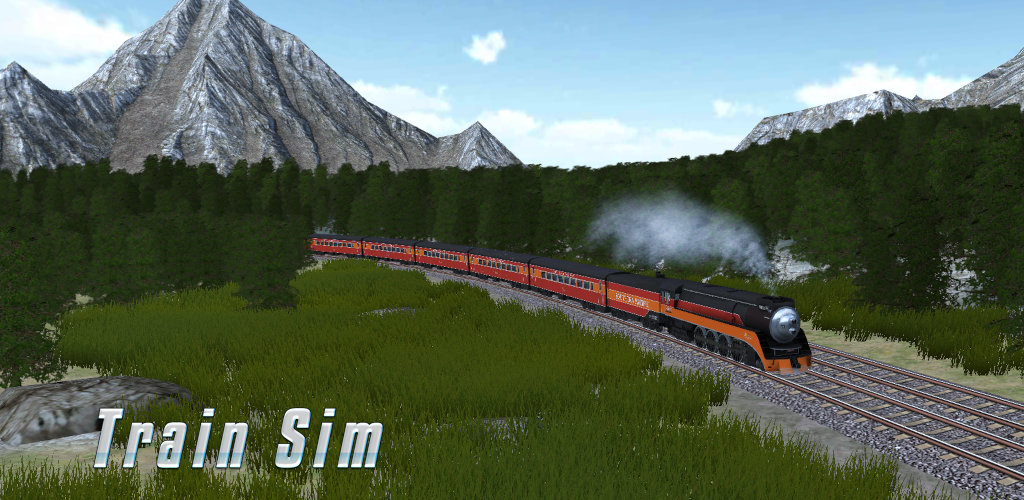
New Update to Train Sim is now live for Android, iOS & Windows Store
In this update:
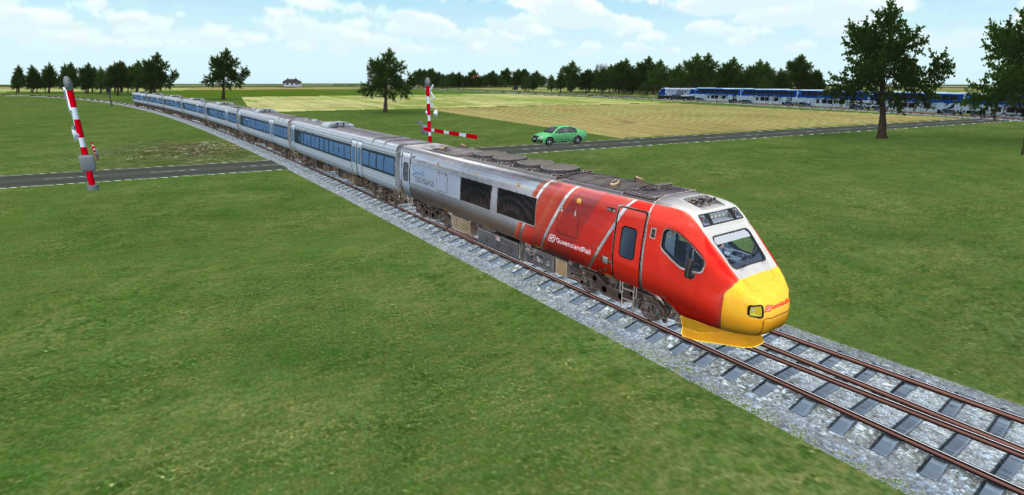
New Train Sim Update is now Live for Android & iOS. Here’s what’s new:
Most exciting of all: after all these years, Australia is finally represented in Train Sim with the Queensland Rail Diesel Tilt Train, pictured above.
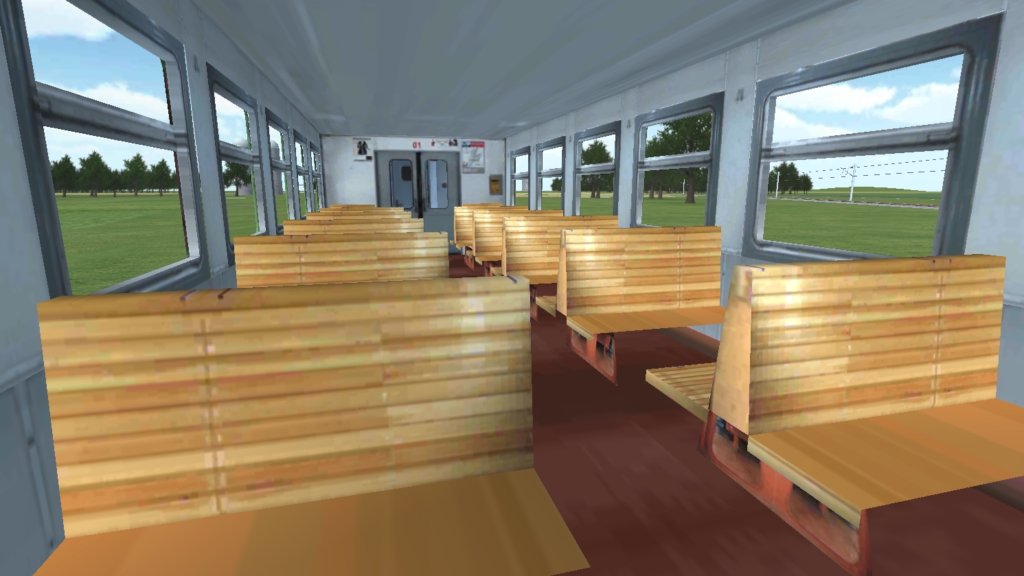
We’ve been busy under the hood – here’s what’s new:
Update now and let us know what you think!
Android Google Play: https://play.google.com/store/apps/details?id=com.ogien.trainsim
Apple iPhone: https://apps.apple.com/us/app/train-sim/id638826683
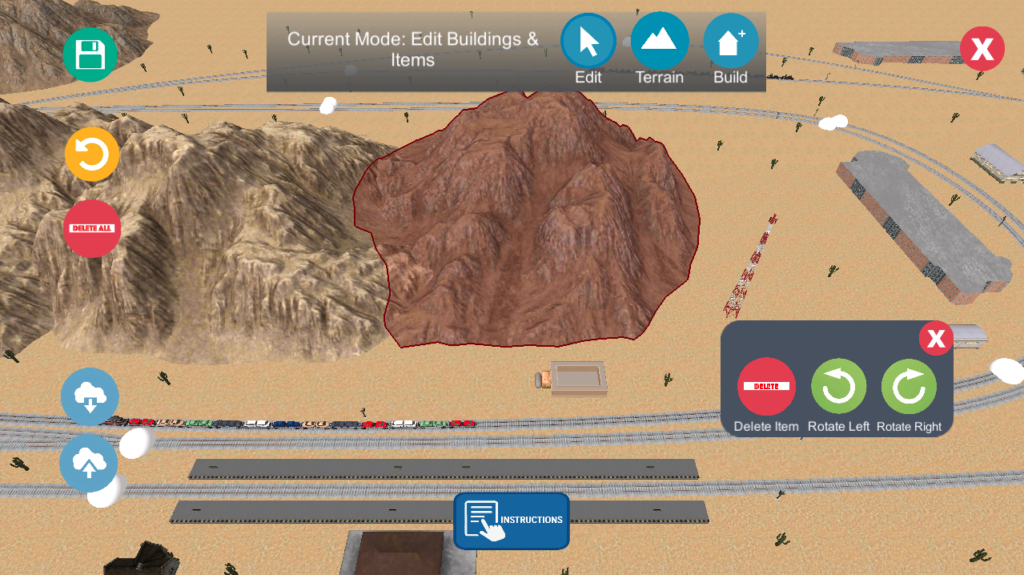
I’ve been working on some major improvements to Train Sim’s Creative Mode to make building faster, safer, and more intuitive. Here’s what’s new.
The editor now has three distinct modes, each designed to remove friction from the building process:
Build Mode
Place new buildings and items without disturbing anything you’ve already placed. Existing objects are locked, so you won’t accidentally drag them while building. This was one of the most requested improvements from players.
Edit Mode
Select and modify existing objects. Tap an object to move it, rotate it, or delete it. A contextual panel appears on selection, giving you quick access to all editing tools.
Terrain Mode
Sculpt the terrain by raising or lowering the ground. The active tool is clearly highlighted, so you always know what effect you’re applying.
A label at the top of the screen shows the current mode, and the active mode button is highlighted for clarity.
Editing placed objects is now significantly more flexible:
Undo has been completely rebuilt to be more reliable and scalable:
Objects now snap to a grid by default when placing, making it easier to create clean, organized layouts.
Shared Creative Mode levels now include terrain textures. If you build a desert, it will look like a desert when someone imports it.
This required adding new data to the share format while maintaining backwards compatibility. Older share codes still load correctly, just without texture information.
One of the more subtle bugs involved UI input “passing through” to the game. Tapping a button, like rotate, would also trigger a world interaction underneath it.
Unity’s standard fix works with a mouse but not reliably with touch input unless you pass the correct finger ID. On the frame where the finger lifts, that data can disappear entirely. This has been addressed and should work much better.
These improvements are available in the Train Sim Open Beta.
https://play.google.com/apps/testing/com.ogien.trainsim
Your feedback helps make Train Sim better for everyone!
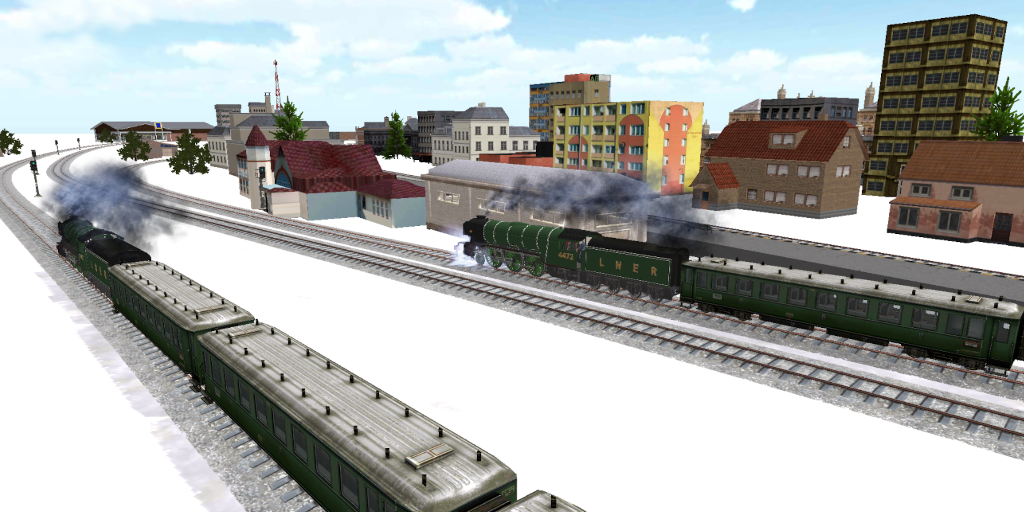
A New Train Sim Update is now live!
Android: https://play.google.com/store/apps/details?id=com.ogien.trainsim
iOS: https://apps.apple.com/us/app/train-sim/id638826683
New in this release:
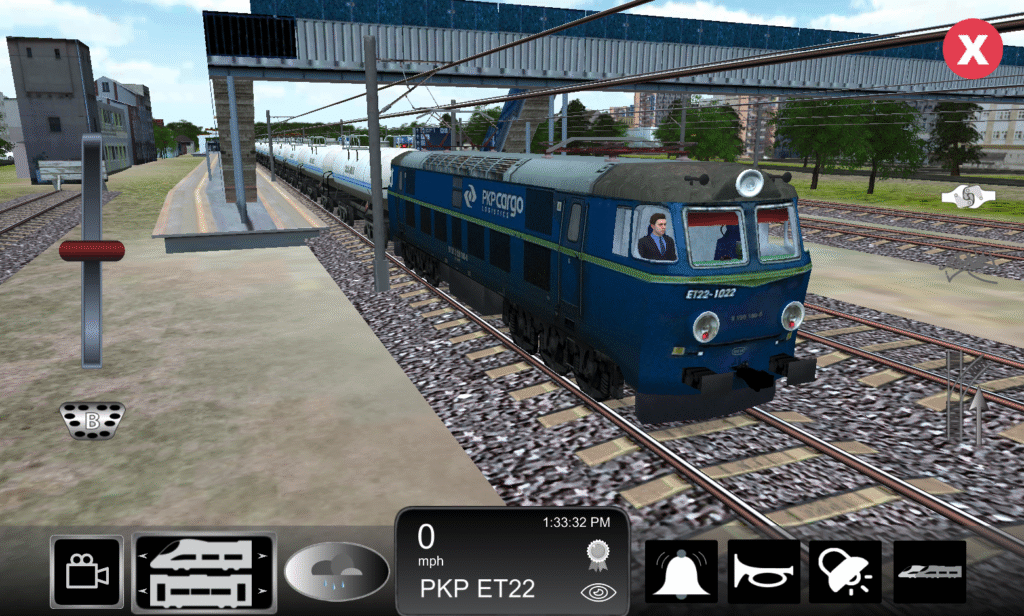
Train Sim Update for Android & iOS is now live! 📱
👉 Download Android: https://play.google.com/store/apps/details?id=com.ogien.trainsim
👉 Download iOS: https://apps.apple.com/us/app/train-sim/id638826683
This update includes:
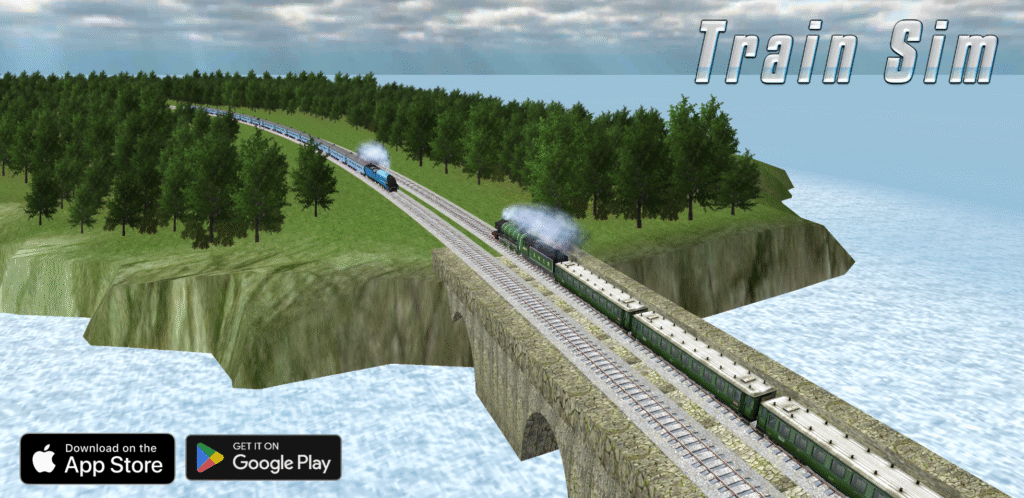
Train Sim Update is Here
We’ve rolled out a new update to make your train journeys smoother, more realistic, and more fun. Here’s what’s new:
Update now for Android & iOS and experience the improvements for yourself.
Here is a fun preview of a new system I am working on for Train Sim to allow Trains to crash into Vehicles like Cars
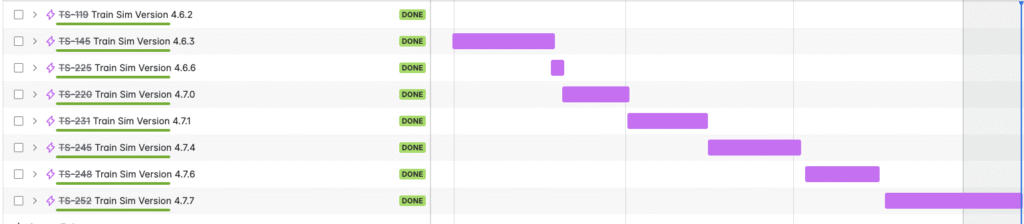
Over the past year, we’ve been hard at work delivering consistent improvements to Train Sim, and we’re excited to share a snapshot of our update timeline. From version 4.6.2 through to 4.7.7, we’ve rolled out eight major updates, each marked complete and packed with new features, fixes, and optimizations aimed at making your simulation experience even better.
What might look like simple version numbers actually reflects a lot of behind-the-scenes effort—from modeling new trains and environments to improving physics, fixing edge-case bugs, and responding to your feedback. Each purple bar in our timeline represents real progress made possible by a small but dedicated team that loves trains just as much as our players do.
Thank You for Riding With Us
We’re grateful for the continued support of our players. Your suggestions, reviews, and enthusiasm help guide our roadmap and keep us motivated. As we move into future versions, we’ll continue to prioritize quality, innovation, and the immersive realism Train Sim is known for.
Celebrating Train Sim Version 4.7.7 🚂
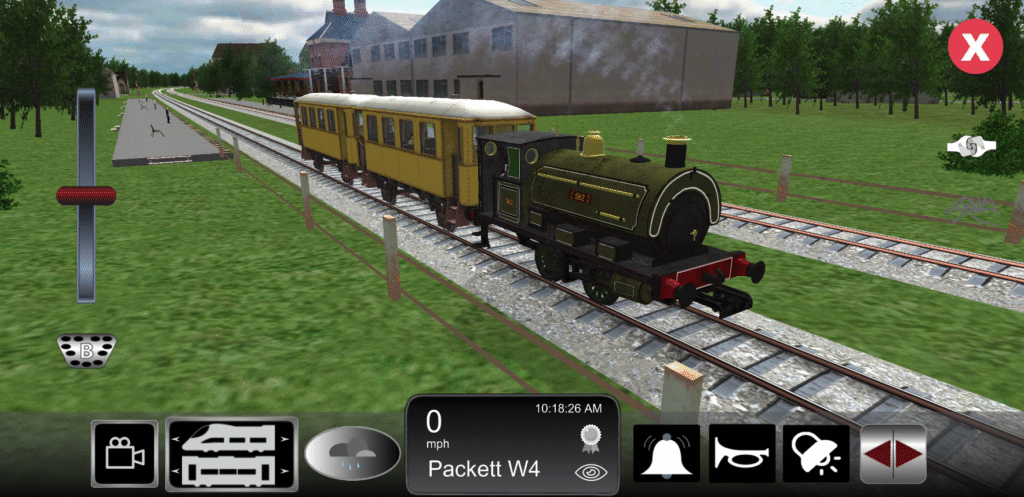
We’re thrilled to announce that Train Sim 4.7.7 is now live for Android & iOS
This version introduces the beautifully detailed Peckett 0-4-0ST Locomotive, a charming addition to our historic steam fleet. Alongside this, we’ve included a number of important fixes and improvements:
We can’t wait for you to experience it all. Happy railroading!
— The Train Sim Team at 3583 Bytes