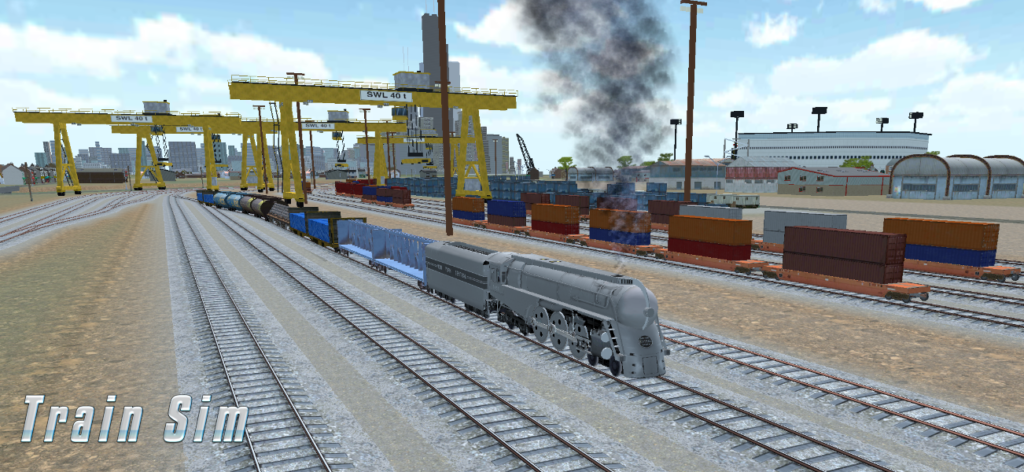
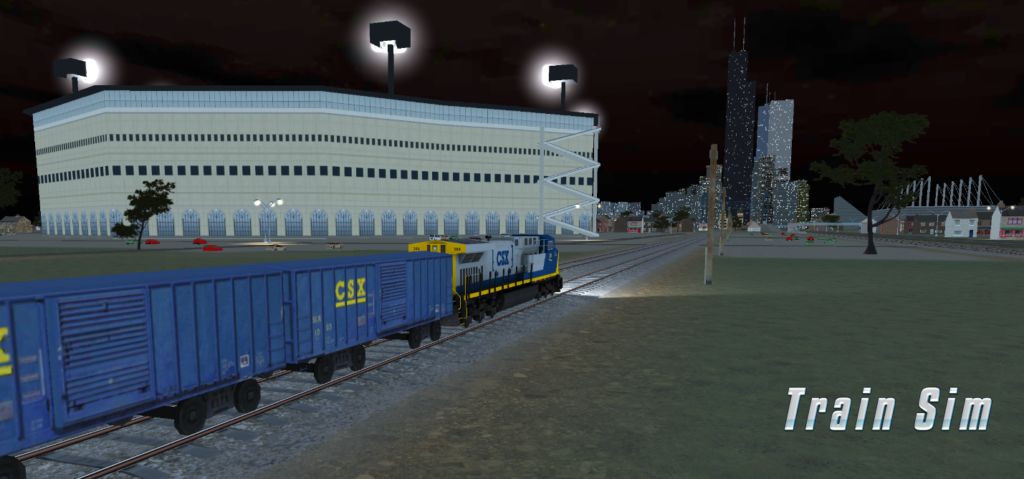
Our next level takes you somewhere new: the working heart of a big American rail city. Port City is inspired by Chicago’s South Side freight lines. The route was laid out from real map data, so the curves, junctions and landmarks follow the real geography, from the downtown skyline all the way to the docks on the Calumet River.
What you’ll find along the line:
Three busy freight yards: roll past long cuts of parked freight cars, giant gantry cranes stacking containers, and a hump control tower you drive straight underneath. Several yard tracks are drivable, so you can leave the main line and explore.
A working port: cargo ships at the quay, a towering grain elevator, bulk material piles, a fabric storage shelter, and sidings you can drive right down to the water.
Bridges everywhere: cross the river on lift bridges and pass beneath the soaring Skyway bridge high overhead.
City landmarks: a big-league ballpark you circle on your way through, the lakefront football stadium, and the historic Pullman district with its clock tower, grand hotel and red brick church.
A living city: an elevated rapid-transit line runs beside you with its own trains stopping at stations, and on the opposite track oncoming trains pass in the other direction.
We can’t wait for you to take the throttle. Port City arrives in an upcoming update. Stay tuned!
Train Sim is now available on Steam for Windows PC.
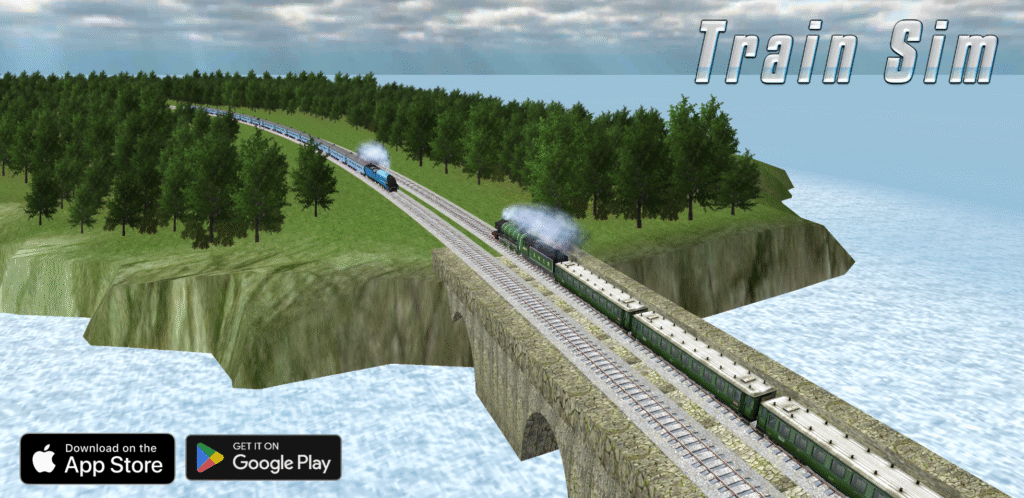
After years of building Train Sim for mobile players, you can now experience the game on PC -with 80+ trains, 16 environments, Creative Mode, and more.
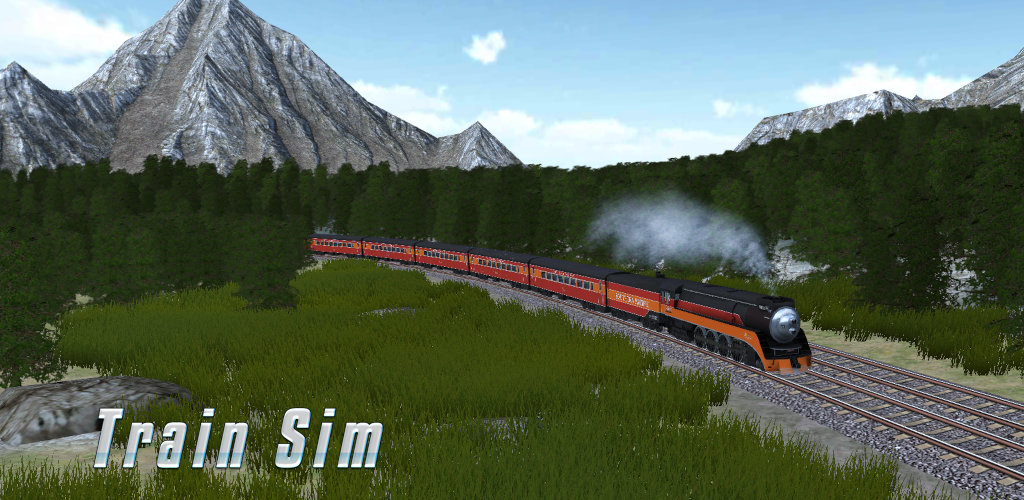
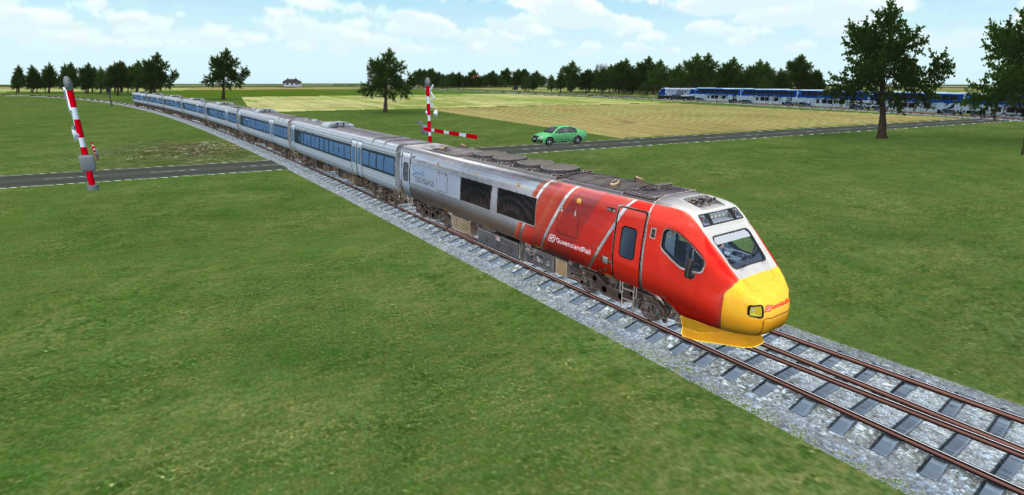
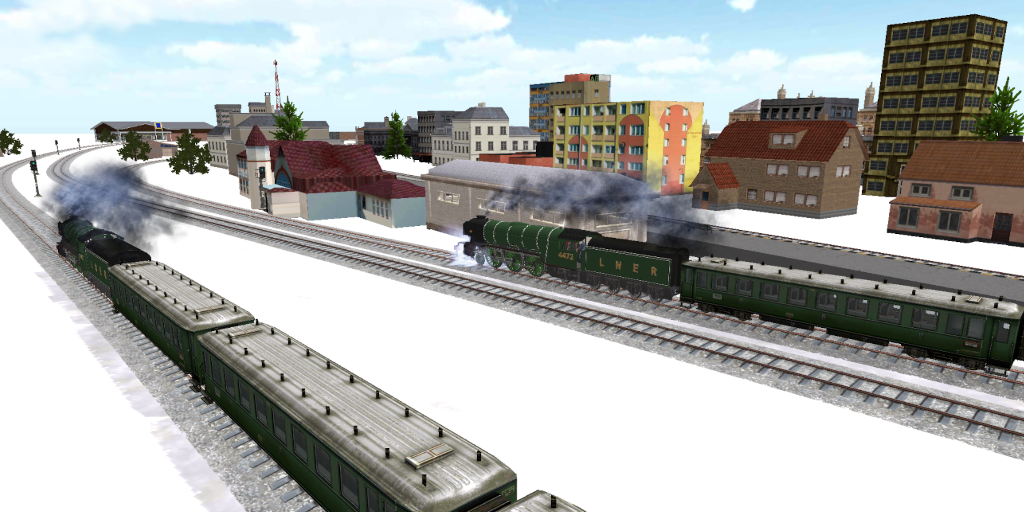
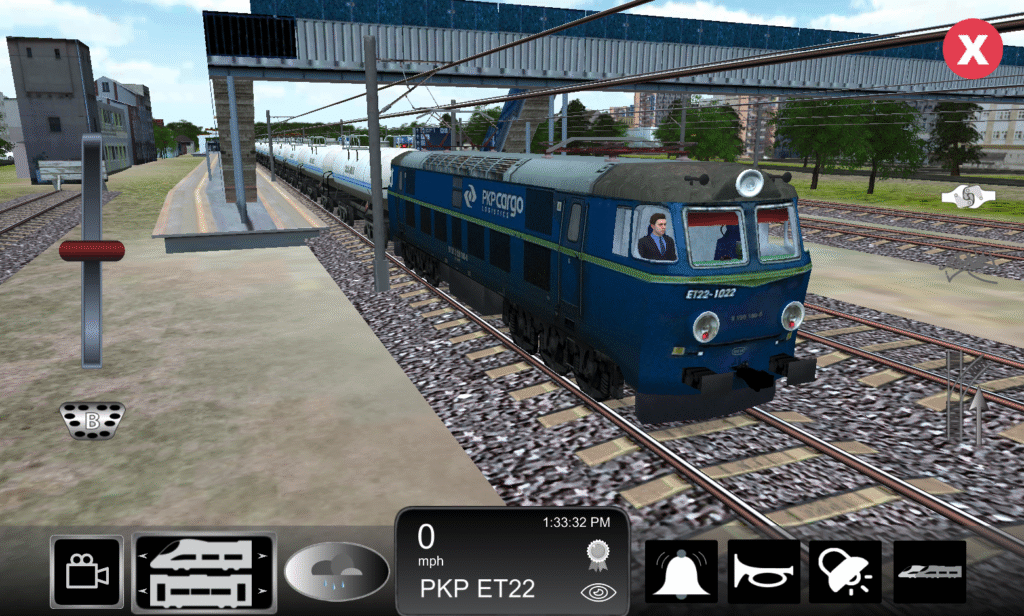
Drive steam, diesel, electric, passenger, freight, subway, and high-speed trains. Explore hand-built environments, switch between different weather and times of day, operate passenger and freight trains, or simply sit back and watch the trains go by.
And if you’d rather build than drive, Creative Mode lets you create your own railway environments.
A train game you can enjoy at your own pace
Train Sim has always been about giving players the freedom to enjoy trains their own way. Now that experience is available on Steam too.
Thank you to everyone who has played Train Sim over the years and helped us get here. What started as a small project has grown into a game played by millions of people around the world – and we’re still adding to it.
I’ve been working on some major improvements to Train Sim’s Creative Mode to make building faster, safer, and more intuitive. Here’s what’s new.
A New Mode System
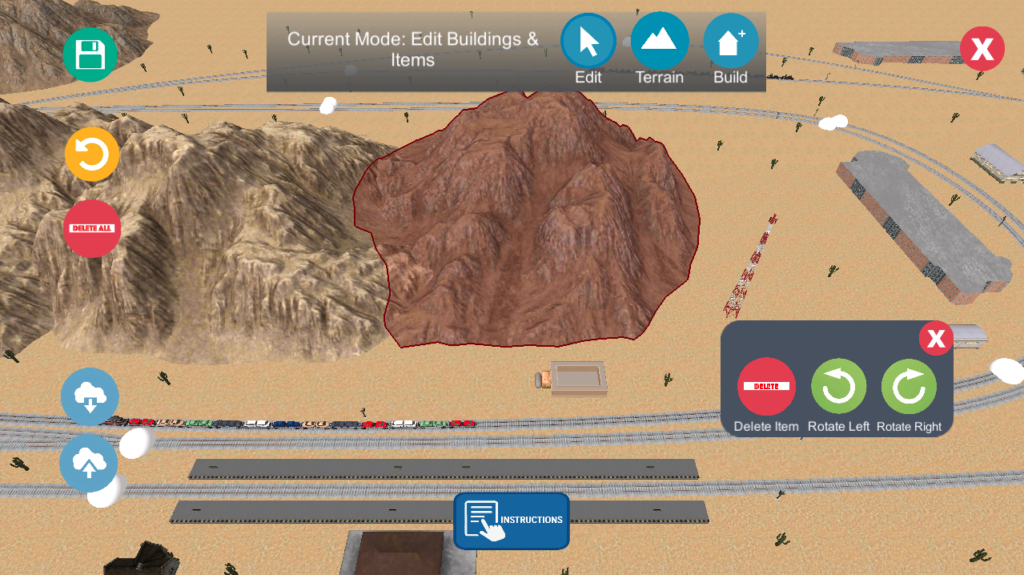
The editor now has three distinct modes, each designed to remove friction from the building process:
Build Mode Place new buildings and items without disturbing anything you’ve already placed. Existing objects are locked, so you won’t accidentally drag them while building. This was one of the most requested improvements from players.
Edit Mode Select and modify existing objects. Tap an object to move it, rotate it, or delete it. A contextual panel appears on selection, giving you quick access to all editing tools.
Terrain Mode Sculpt the terrain by raising or lowering the ground. The active tool is clearly highlighted, so you always know what effect you’re applying.
A label at the top of the screen shows the current mode, and the active mode button is highlighted for clarity.
Object Editing Improvements
Editing placed objects is now significantly more flexible:
Rotate objects Rotate any object clockwise or counter-clockwise. No more rebuilding something just because it’s facing the wrong direction.
Delete individual objects Remove exactly what you want. Previously, your only options were undoing the last action or clearing everything.
Reliable touch controls Objects now move only when you intentionally drag them. A quick tap selects instead of moving.
Improved Undo System
Undo has been completely rebuilt to be more reliable and scalable:
Undo object movement Moving an object can now be undone precisely. Implementing this revealed a subtle issue with Unity’s event ordering. Depending on timing, either the input event or the update loop could fire first, which sometimes caused undo to delete objects instead of restoring them.
Unlimited history The old system used a fixed array of 10 slots and manually shifted entries. It’s now backed by a dynamic list, allowing for unlimited undo history. This also fixed a bug where undoing the only placed object removed it visually but left behind invalid data in the save file.
Grid Snapping
Objects now snap to a grid by default when placing, making it easier to create clean, organized layouts.
Better Sharing
Shared Creative Mode levels now include terrain textures. If you build a desert, it will look like a desert when someone imports it.
This required adding new data to the share format while maintaining backwards compatibility. Older share codes still load correctly, just without texture information.
A Note on Mobile Touch
One of the more subtle bugs involved UI input “passing through” to the game. Tapping a button, like rotate, would also trigger a world interaction underneath it.
Unity’s standard fix works with a mouse but not reliably with touch input unless you pass the correct finger ID. On the frame where the finger lifts, that data can disappear entirely. This has been addressed and should work much better.
Try It Now
These improvements are available in the Train Sim Open Beta.
We’ve rolled out a new update to make your train journeys smoother, more realistic, and more fun. Here’s what’s new:
Fixed passenger drop-off in Las Vegas
Rail track switching now works with Track Reverse
Improved steam engine smoke with a mix of black & white smoke
Cars will now properly crash if struck by a train
More moving cars added across all levels
Train selection now includes filtering for easier browsing
Fixed fences covering tracks in Las Vegas (Reverse Track option)
Added an option to prevent opposite trains from switching tracks
Update now for Android & iOS and experience the improvements for yourself.
We use cookies to ensure that we give you the best experience on our website. If you continue to use this site we will assume that you are happy with it.