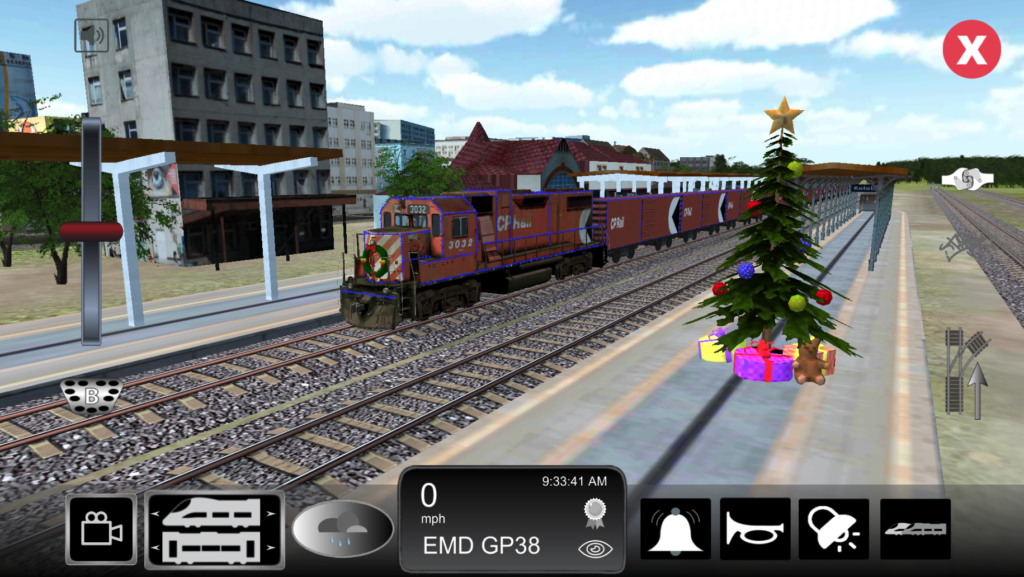
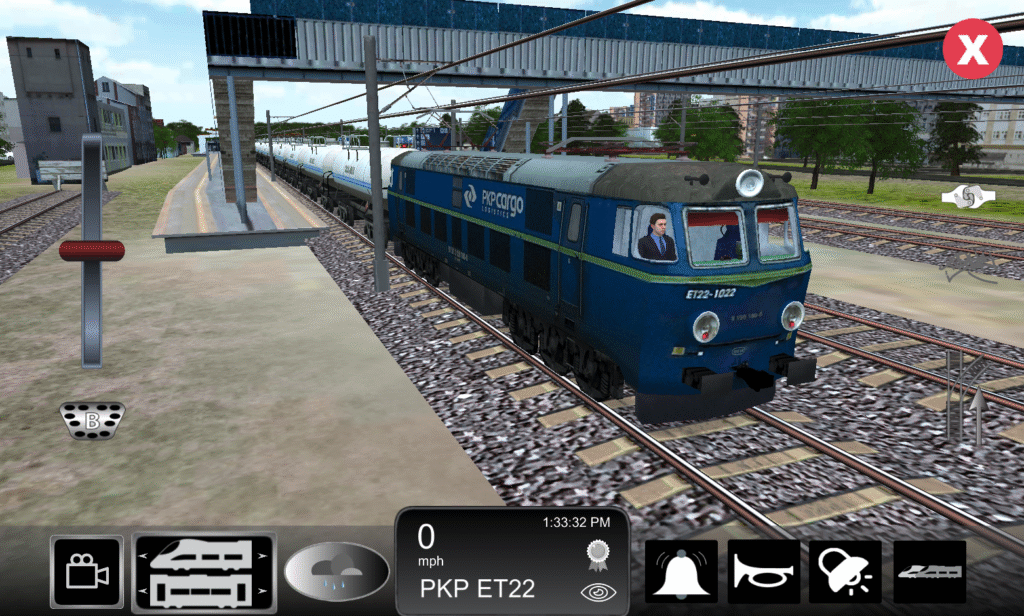
I’ve been working on some major improvements to Train Sim’s Creative Mode to make building faster, safer, and more intuitive. Here’s what’s new.
A New Mode System
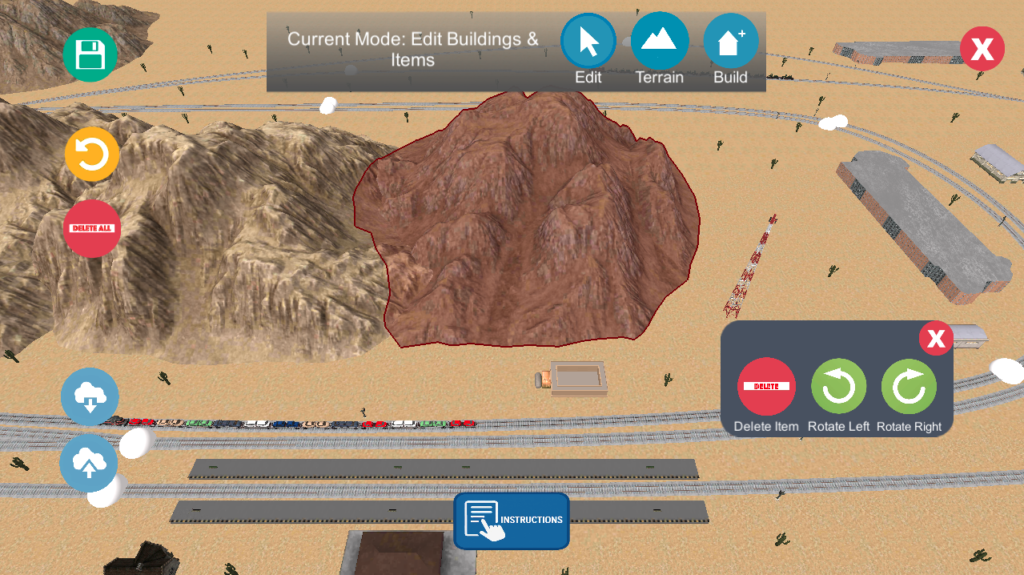
The editor now has three distinct modes, each designed to remove friction from the building process:
Build Mode Place new buildings and items without disturbing anything you’ve already placed. Existing objects are locked, so you won’t accidentally drag them while building. This was one of the most requested improvements from players.
Edit Mode Select and modify existing objects. Tap an object to move it, rotate it, or delete it. A contextual panel appears on selection, giving you quick access to all editing tools.
Terrain Mode Sculpt the terrain by raising or lowering the ground. The active tool is clearly highlighted, so you always know what effect you’re applying.
A label at the top of the screen shows the current mode, and the active mode button is highlighted for clarity.
Object Editing Improvements
Editing placed objects is now significantly more flexible:
Rotate objects Rotate any object clockwise or counter-clockwise. No more rebuilding something just because it’s facing the wrong direction.
Delete individual objects Remove exactly what you want. Previously, your only options were undoing the last action or clearing everything.
Reliable touch controls Objects now move only when you intentionally drag them. A quick tap selects instead of moving.
Improved Undo System
Undo has been completely rebuilt to be more reliable and scalable:
Undo object movement Moving an object can now be undone precisely. Implementing this revealed a subtle issue with Unity’s event ordering. Depending on timing, either the input event or the update loop could fire first, which sometimes caused undo to delete objects instead of restoring them.
Unlimited history The old system used a fixed array of 10 slots and manually shifted entries. It’s now backed by a dynamic list, allowing for unlimited undo history. This also fixed a bug where undoing the only placed object removed it visually but left behind invalid data in the save file.
Grid Snapping
Objects now snap to a grid by default when placing, making it easier to create clean, organized layouts.
Better Sharing
Shared Creative Mode levels now include terrain textures. If you build a desert, it will look like a desert when someone imports it.
This required adding new data to the share format while maintaining backwards compatibility. Older share codes still load correctly, just without texture information.
A Note on Mobile Touch
One of the more subtle bugs involved UI input “passing through” to the game. Tapping a button, like rotate, would also trigger a world interaction underneath it.
Unity’s standard fix works with a mouse but not reliably with touch input unless you pass the correct finger ID. On the frame where the finger lifts, that data can disappear entirely. This has been addressed and should work much better.
Try It Now
These improvements are available in the Train Sim Open Beta.
One of the best ways Train Sim has been improving lately isn’t just through development, it’s through player feedback.
I added a simple #bug-reports channel to the Discord server, and it’s quickly become one of the most valuable tools I have. Players report issues they run into, from game-breaking bugs to small visual glitches, and I’m able to jump in, reproduce them, and fix them much faster.
In many cases, bugs reported in Discord have been fixed the same day or included in the very next update. Whether it’s crashes, physics issues, or strange visual glitches, these reports directly shape the game. (You can also use this channel to report bugs in any of my other games.)
If you’ve ever run into something frustrating or just “off” while playing, I’d really appreciate you sharing it.
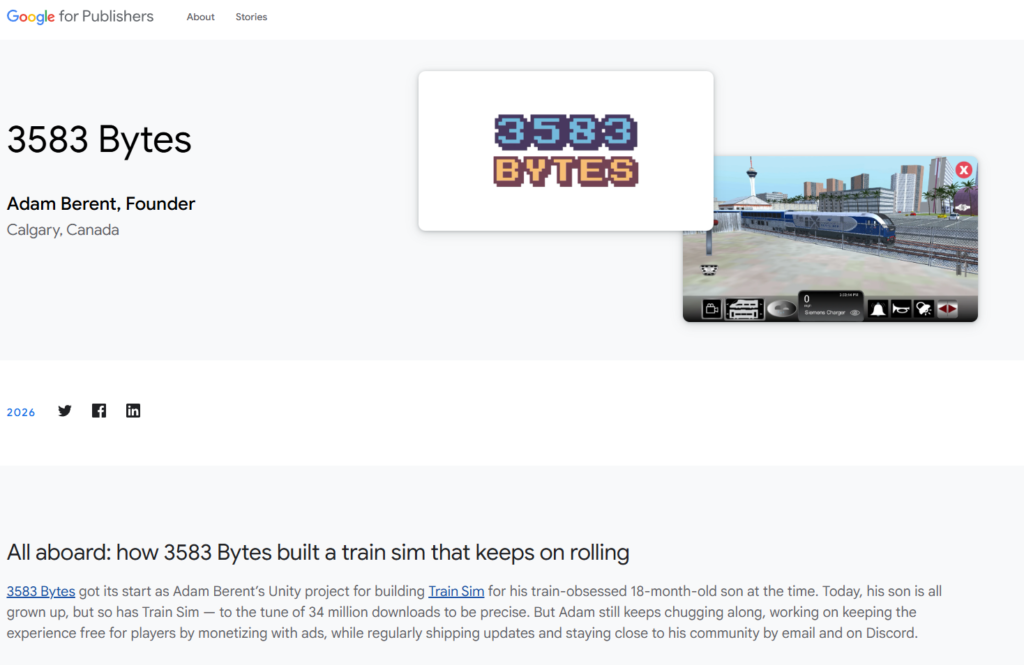
We’re excited to share that 3583 Bytes has been featured by Google for Publishers in a story highlighting the journey behind Train Sim and the work that has gone into building the game over the past decade.
The article looks at how Train Sim first began as a small Unity project created by the company’s founder for his son, and how that simple idea eventually grew into a long-running mobile train simulator played by millions of people around the world.
Being featured by Google is a meaningful milestone for us. Train Sim has been developed and updated for more than ten years, and during that time the goal has always been the same: create a train simulator that is accessible, enjoyable, and easy for players to jump into while still offering plenty of freedom to explore different trains and environments.
The story also highlights the approach we have taken to supporting the game. Advertising through Google AdMob has helped us keep Train Sim free and accessible to a wide audience while continuing to invest in updates, improvements, and new features.
What started as a small personal project has grown into something much larger thanks to the players who have supported the game over the years. Seeing Train Sim recognized by Google is both exciting and a reminder of how far the game has come since its first release.
If you’re interested in the full story behind the game and how it grew over the years, you can read Google’s article here:
We have some exciting news to share with our community. After years of building, refining, and expanding Train Sim, the game now has its own dedicated page on Grokipedia.
While we have not yet succeeded in getting Train Sim listed on Wikipedia, being recognized on Grokipedia is an important milestone for our small indie studio. It represents another step forward in the journey of a game that began as a personal project and grew into something enjoyed by players around the world.
Why This Listing Matters
Grokipedia is an emerging online knowledge platform that documents notable projects, products, and creative works. Having Train Sim included means the game now has an additional presence in the broader digital landscape.
For an independent developer, visibility matters. Discoverability matters. Recognition matters. Every listing, every mention, and every player recommendation helps extend the reach of the game and the studio behind it.
Although Wikipedia also remains a goal for the future, we are proud to see Train Sim formally documented and accessible to readers searching for information about the game.
Thank You for Being Part of the Journey
None of this would be possible without the players who downloaded the game, shared it with friends, left reviews, and supported updates over the years. Independent development is a long road, and milestones like this are worth celebrating together.
We will continue improving Train Sim, adding new content, refining performance, and building on the foundation that has brought us this far.
If you would like to take a look, you can visit the Train Sim page on Grokipedia and see how the game is now represented there.
We use cookies to ensure that we give you the best experience on our website. If you continue to use this site we will assume that you are happy with it.